 FLOWPHONIC
 Android now · iOS coming soon
Say “good take.” It marks itself.
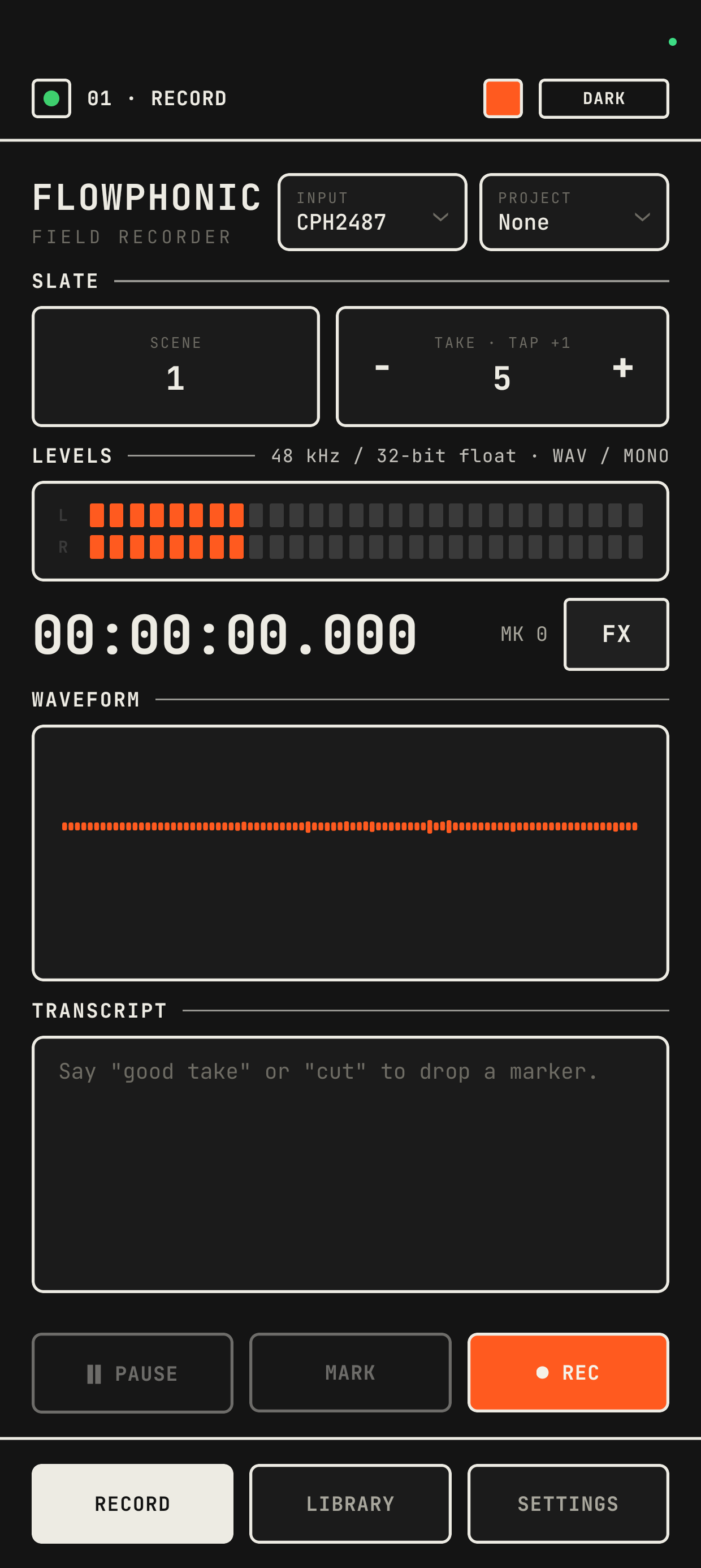
Flowphonic listens for your own words while you record — “good take,” “cut” — and drops a timestamped, named marker on the moment. Review starts already organized.
Record
48 kHz, up to 32-bit float WAV, mono or stereo — with an optional −12 dB safety track running alongside so a hot take is never lost.
Mark
Say “good take” or “cut” mid-recording, or tap MARK. Every marker is timestamped and named without touching the phone.
Review & trim
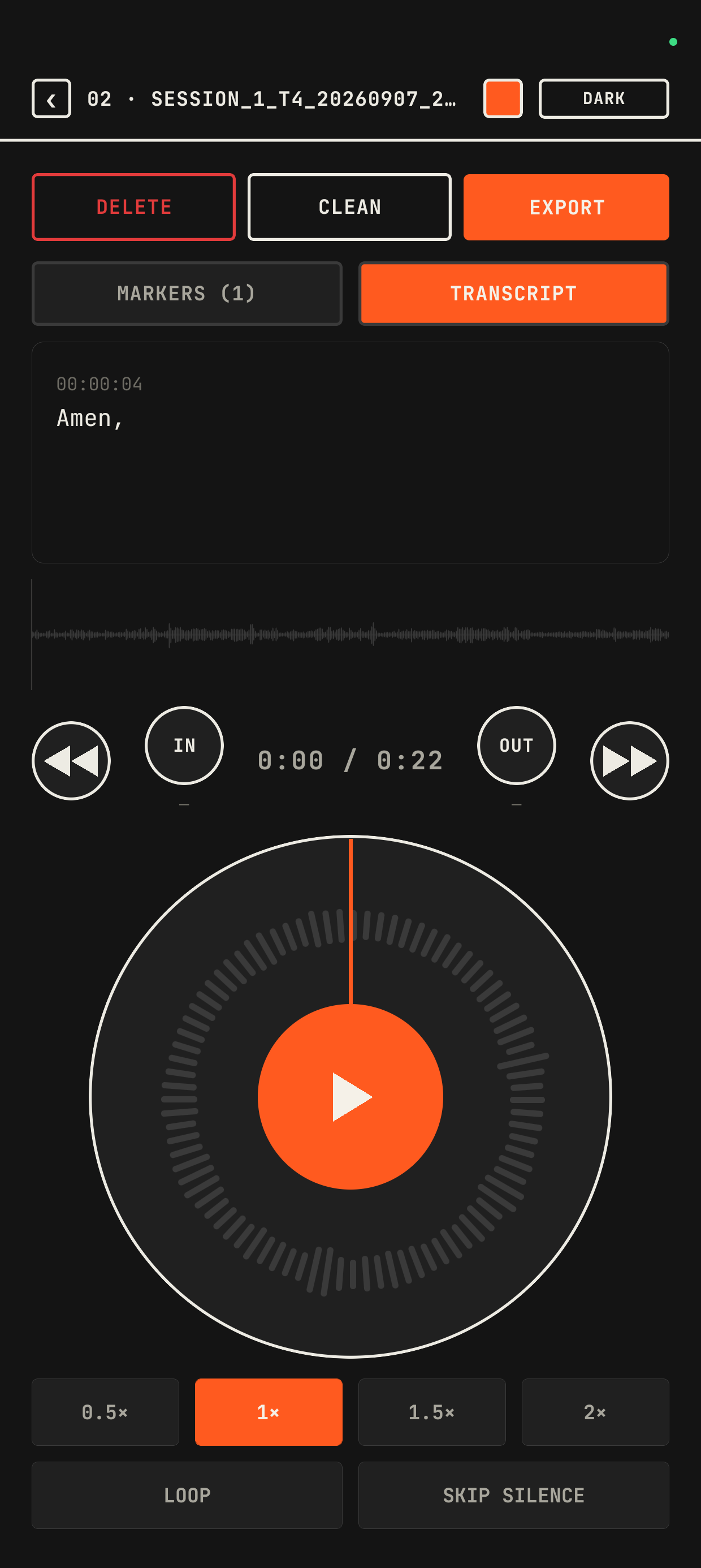
Scrub with the jog dial, loop an in/out range, skip silence automatically, clean up hiss — all without touching the original file.
Export
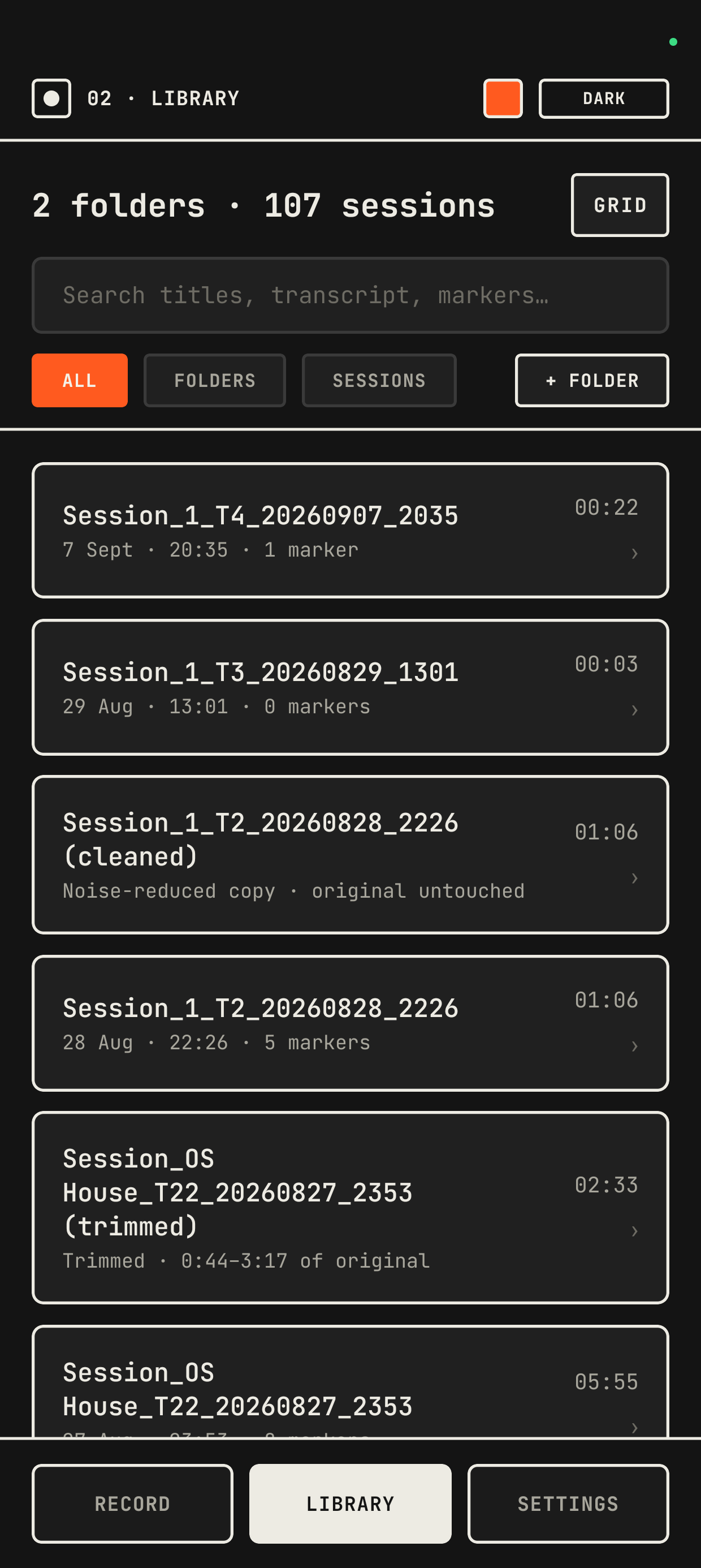
Markers land in Premiere, Resolve, or FCP as a ready-made timeline. Audio, transcript, and safety track each export on their own.
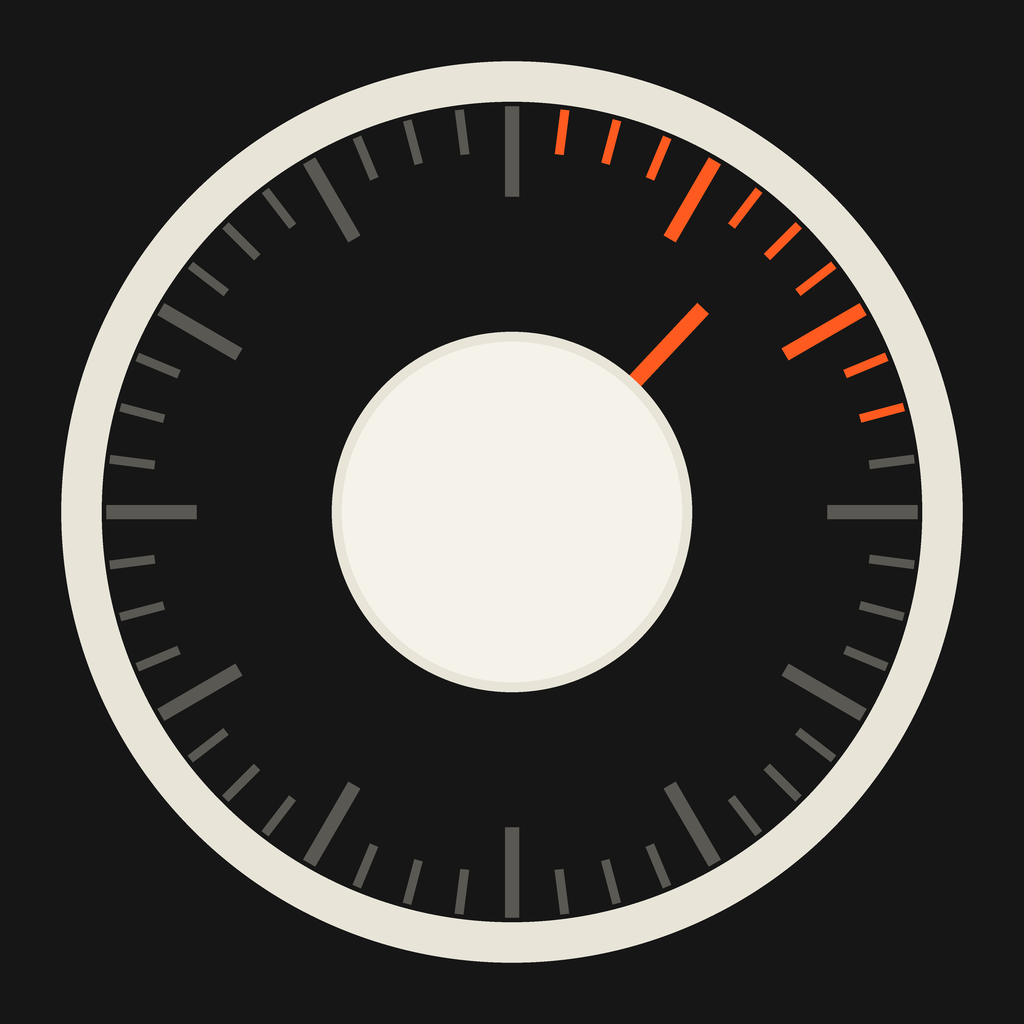
The same dial, right here.
This is the transport control from the app itself — drag the dial in a circle, or drag along the waveform below. In the app they scrub your actual recording; here, it's just for feel.
POSITION 0:00
DRAG TO SCRUB
DND Silence during the take
Do Not Disturb switches on the moment you hit record and back off the moment you stop — no notification chime bleeding into a take you can't re-shoot.
SECURE Encrypted on your device
Every session, marker, and transcript is encrypted at rest on your phone. There's no Flowphonic server — nothing to breach, because there's nothing stored anywhere but your device.
ASR Transcription, on-device first
Speech-to-text runs on-device when a language model is installed. No model available yet? It falls back to your phone's own cloud recognizer — never a Flowphonic server.
EDIT Fix a transcript by hand
Recognizers mishear things. Tap any line of a transcript to correct it directly — the same way you'd rename a marker.
| Format | WAV — 16/24-bit integer or 32-bit float |
| Sample rate | Up to 48 kHz |
| Channels | Mono or stereo, with an optional −12 dB safety track |
| Transcription | On-device speech-to-text, with cloud fallback when no model is installed |
| Storage | Encrypted locally on your device — no account, no cloud backup |
| Export | Premiere, DaVinci Resolve, and Final Cut Pro marker formats, plus SRT transcripts |
| Platform | Android now, iOS in development |